Understanding dropUnlessResumed: Preventing Double Navigation in Navigation 3
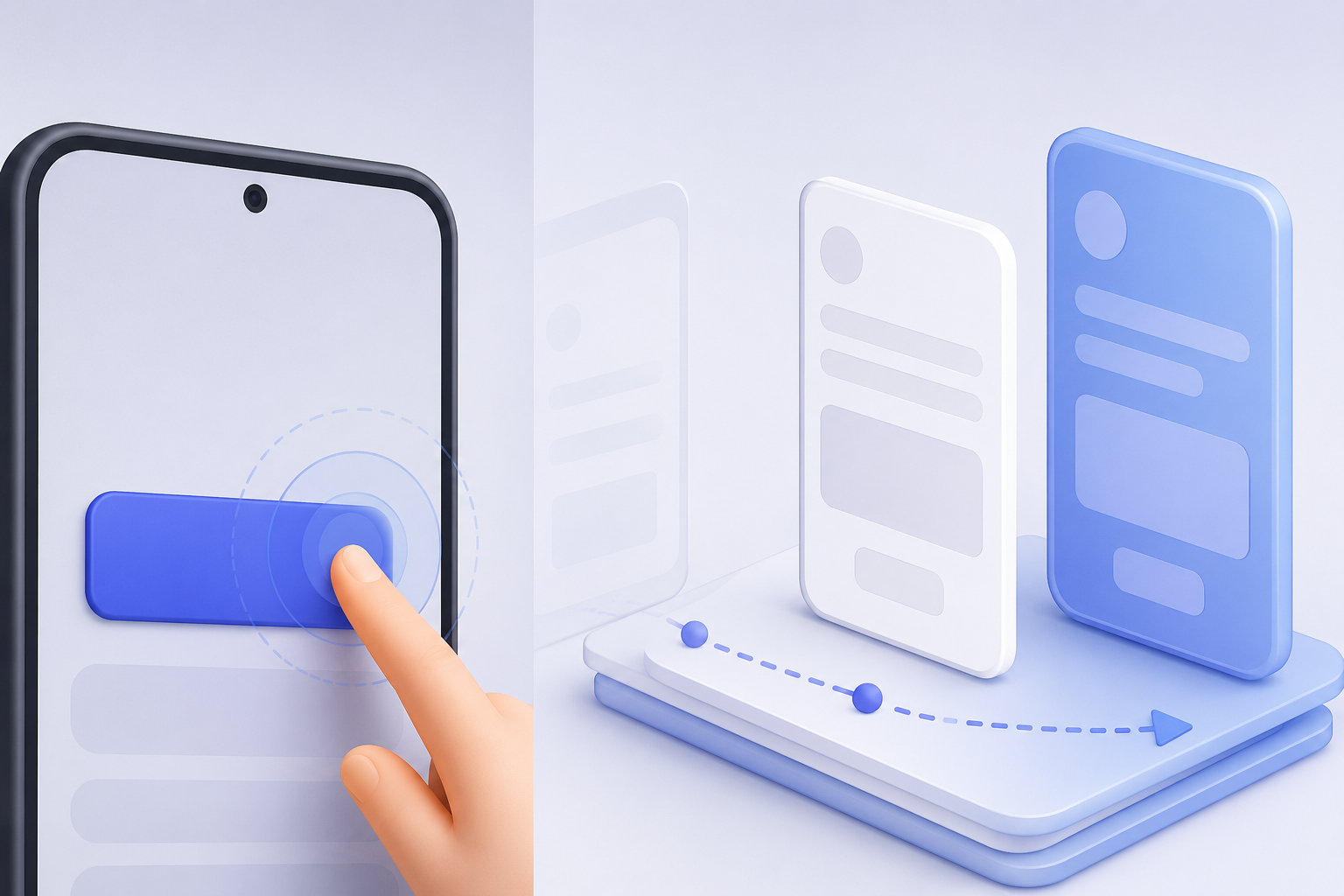
When using Navigation 3, navigating to another screen is as simple as updating the NavBackStack.
For example:
Button(
    onClick = {
        backStack.add(Detail())
    }
) {
    Text("Detail")
}
This looks perfectly fine, but there’s a subtle problem.
If the user taps the button twice in quick succession, backStack.add() may be called twice before the current screen finishes transitioning. As a result, the same destination can be added to the back stack multiple times.
Fortunately, this is easy to prevent with dropUnlessResumed().
Wrapping the Click Handler
Simply wrap the click callback with dropUnlessResumed().
Button(
    onClick = dropUnlessResumed {
        backStack.add(Detail())
    }
) {
    Text("Detail")
}
That’s all it takes.
Any clicks that occur after navigation has started are automatically ignored.
Why Does This Work?
At first glance, you might assume dropUnlessResumed() is implementing some kind of debounce logic.
It isn’t.
Before looking at the implementation, it’s important to understand which Lifecycle is actually being checked.
In Compose, every screen is associated with a LifecycleOwner, which is exposed through LocalLifecycleOwner.
dropUnlessResumed() uses that LifecycleOwner and only invokes the callback while its Lifecycle is in the RESUMED state.
That means it always checks the lifecycle of the current screen, not the application or the activity as a whole.
Now let’s see how AndroidX implements it.
Looking at the Source
If you follow the implementation, you’ll eventually find that it performs a simple lifecycle check:
if (lifecycle.currentState.isAtLeast(Lifecycle.State.RESUMED)) {
    block()
}
There are no timers.
There is no debounce.
There is no synchronization or locking.
It simply executes the callback only while the current Lifecycle is in the RESUMED state.
Why It Prevents Double Navigation
The key is how Navigation updates the current screen’s lifecycle.
Lifecycle = RESUMED
  ↓
Button click
  ↓
dropUnlessResumed
  ↓
backStack.add(...)
  ↓
Navigation starts
  ↓
Lifecycle = STARTED
  ↓
Second click
  ↓
Not RESUMED
  ↓
Dropped
The first tap is accepted because the screen is still in the RESUMED state.
As soon as navigation begins, the current screen leaves RESUMED.
If another click arrives after that, dropUnlessResumed() sees that the lifecycle is no longer resumed and silently ignores the event.
This Isn’t Debounce
Unlike a debounce implementation, dropUnlessResumed() doesn’t block clicks for a fixed amount of time.
Instead, it relies entirely on the current lifecycle state.
That makes the behavior deterministic and naturally aligned with the navigation lifecycle, without introducing additional state or timing logic.
Conclusion
For Navigation 3, wrapping navigation events with dropUnlessResumed() is an easy way to prevent duplicate navigations caused by rapid taps.
dropUnlessResumed {
    backStack.add(Detail())
}
The implementation is surprisingly simple. It doesn’t rely on timers or debounce logic. Instead, it takes advantage of the lifecycle changes that Navigation already performs, allowing navigation callbacks to run only while the current screen is truly active.
Sometimes the simplest implementation is exactly the right one.