Android Architecture Is Moving from Event-Driven UI to State-Driven UI
Google’s official Android guidance was updated on May 18, 2026 — and it now explicitly recommends turning ViewModel events into UI state
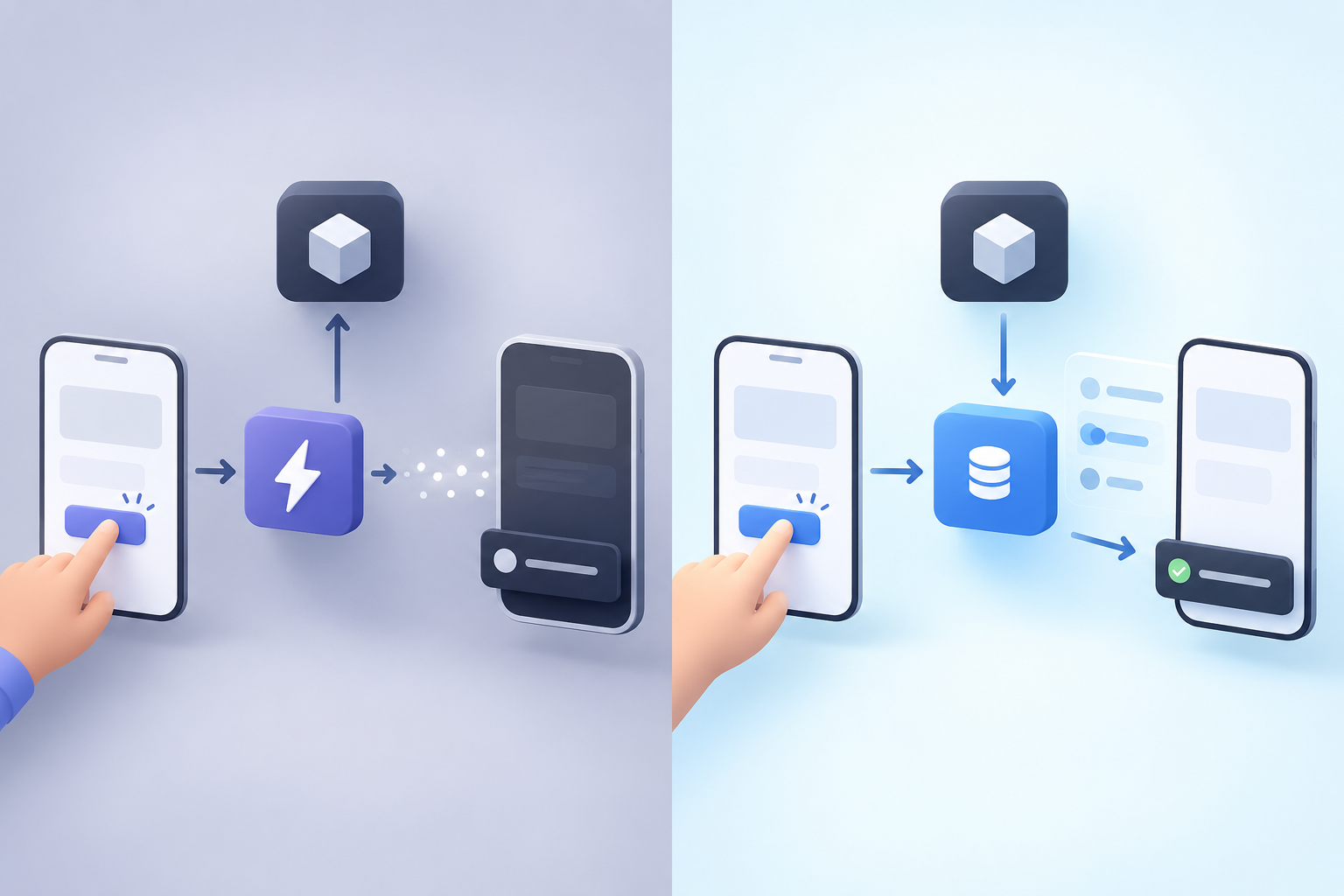
This isn’t just an old architectural debate anymore.
Google’s Android documentation was updated on May 18, 2026, and it now explicitly says:
“ViewModel events should always result in a UI state update.”
This is a significant change in how we should think about ViewModel-to-UI communication.
For years, a common Android pattern was:
ViewModel
   │
   ├── UiState
   │
   └── UiEvent
          ↓
          UI
The UiEvent was often used for one-shot actions such as showing a Snackbar, navigating, or displaying a dialog.
The current guidance is moving toward:
ViewModel
   |
   | UI State
   ↓
   UI
Let’s see what this means with a simple Snackbar example.
The Event-Driven Approach
A traditional implementation might look like this:
sealed interface UiEvent {
    data class ShowSnackbar(
        val message: String
    ) : UiEvent
}


private val _events = Channel<UiEvent>()
val events = _events.receiveAsFlow()

fun save() {
    viewModelScope.launch {
        repository.save()

        _events.send(
            UiEvent.ShowSnackbar("Saved successfully")
        )
    }
}
The UI consumes the event:
LaunchedEffect(Unit) {
    viewModel.events.collect { event ->
        when (event) {
            is UiEvent.ShowSnackbar ->
                snackbarHostState.showSnackbar(event.message)
        }
    }
}
The ViewModel is effectively telling the UI:
"Show a Snackbar."
This is the Event-Driven approach.
The State-Driven Approach
The current Android guidance suggests a different direction.
Instead of sending ShowSnackbar, the ViewModel updates UI state:
data class UiState(
    val userMessage: String? = null
)


private val _uiState = MutableStateFlow(UiState())
val uiState: StateFlow<UiState> = _uiState.asStateFlow()

fun save() {
    viewModelScope.launch {
        repository.save()

        _uiState.update {
            it.copy(userMessage = "Saved successfully")
        }
    }
}

fun userMessageShown() {
    _uiState.update {
        it.copy(userMessage = null)
    }
}
The UI observes the state:
LaunchedEffect(uiState.userMessage) {
    uiState.userMessage?.let { message ->
        snackbarHostState.showSnackbar(message)
        viewModel.userMessageShown()
    }
}
Now the ViewModel is not saying:
"Show a Snackbar."
It is saying:
"There is currently a message to show."
The UI decides how to present it.
The Important Difference
The difference is not simply:
Channel → StateFlow
It is:
Event-Driven:
ViewModel
↓
"Do this"
↓
UI
State-Driven:
ViewModel
↓
"This is the current state"
↓
UI
Google also summarizes the distinction as:
“State is. Events happen.”
Events still exist.
A button click is still an event:
User
↓
Button.onClick
↓
ViewModel
↓
State
↓
UI
The important change is that ViewModel → UI communication is increasingly centered on state rather than one-shot events.
So, Should We Stop Using Events?
No.
The official guidance does not say that Channel, SharedFlow, or events are forbidden.
Instead, it asks us to reconsider whether a ViewModel event can be represented as UI state.
A useful question when designing a ViewModel is:
Does the ViewModel need to tell the UI what to do, or can it simply describe what is currently true?
That small change in thinking can fundamentally change how we design Android UI architecture.